Independent Creator Page
2D to 3D to Video
Turn reference images into high-quality Minecraft-ready skin drafts in one flow.
Creation Flow
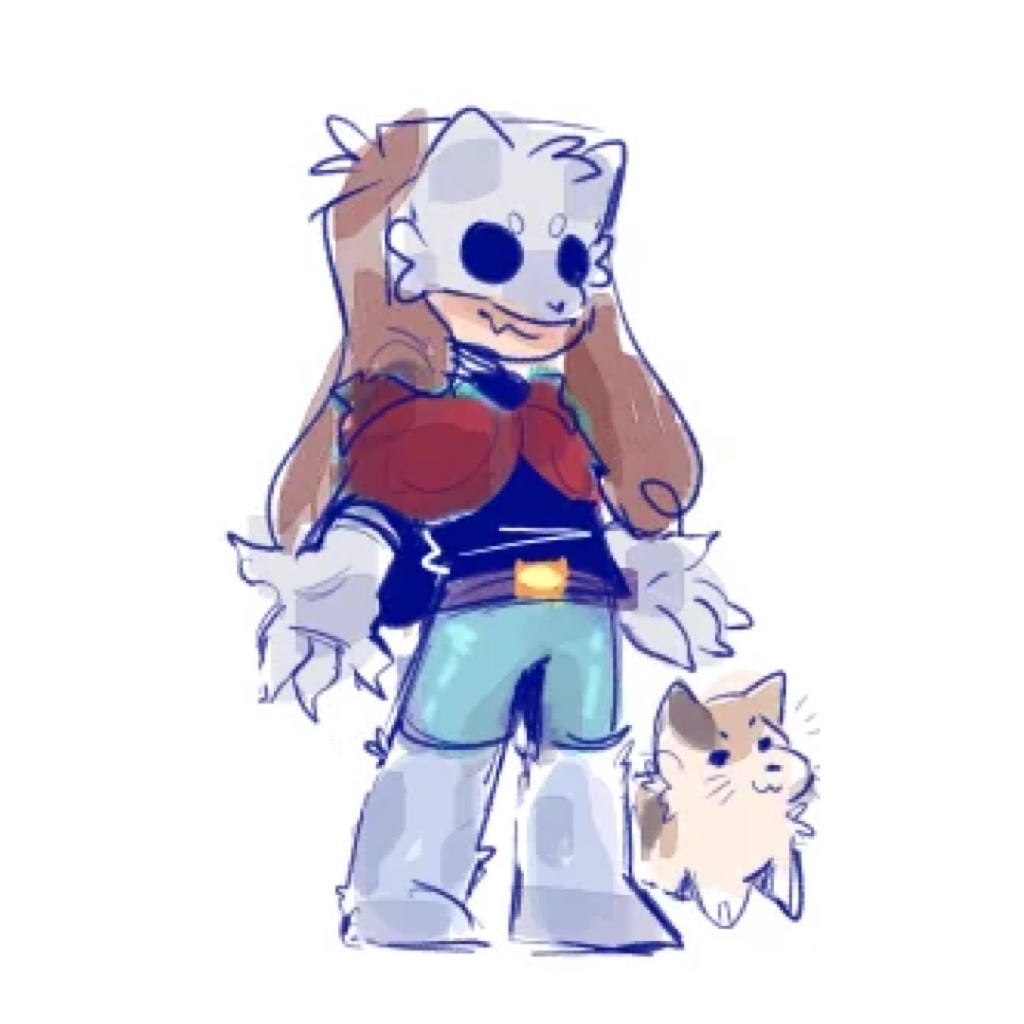
- 1. Upload a 2D image or paste an image URL.
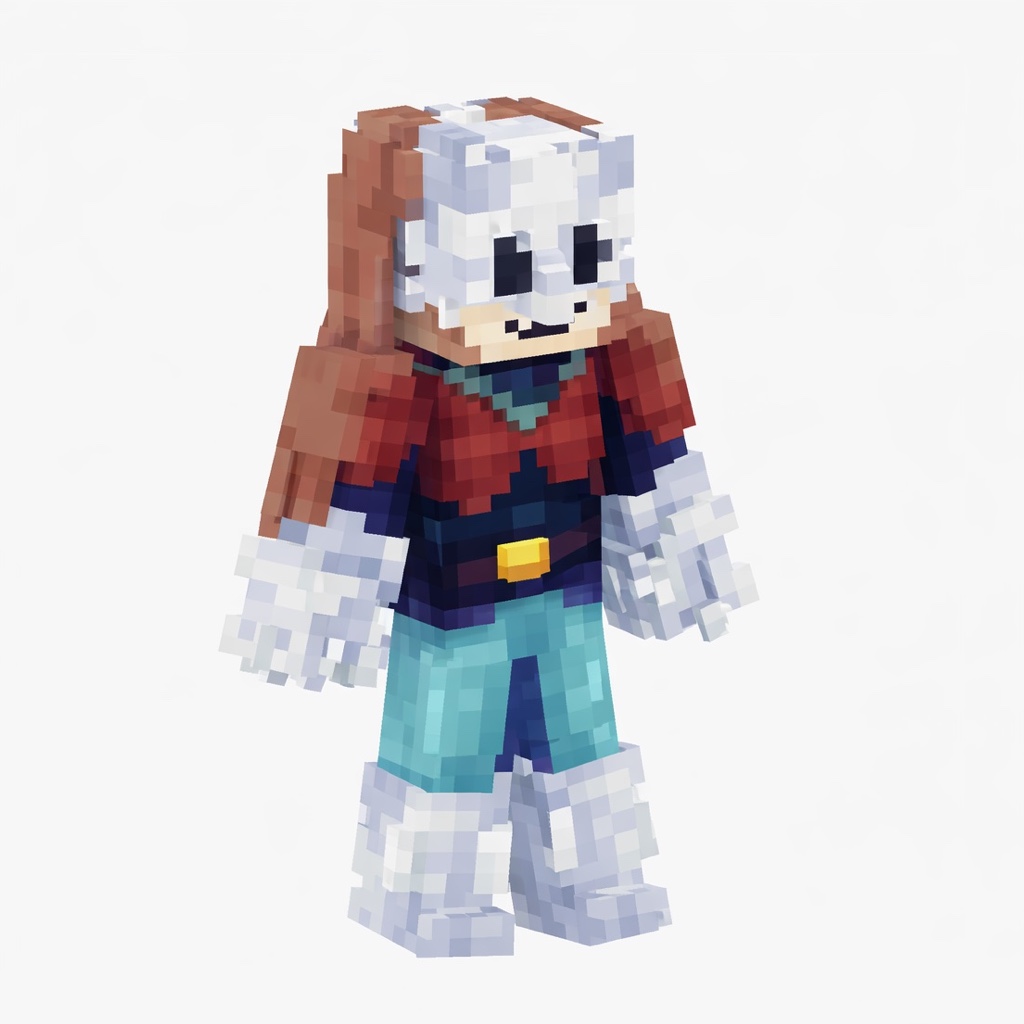
- 2. Generate a polished 3D Minecraft skin image.
- 3. Continue with that image and create the animation video.
2D to 3D Skin
Click to upload source image
PNG / JPG / WEBP
Inspiration Works
Inspiration Gallery
No public creations yet
Curated from the current hot list so you can remix ideas quickly while creating.
Public works will appear here once creators publish them.
BlockSkin Studio
AI Minecraft Skin Generator
Upload a reference image and generate a Minecraft-style character render that can inspire a new skin, avatar, or 3D character concept.
What You Can Do
- Turn 2D art, selfies, and character references into Minecraft-style skin ideas.
- Compare generated results and download the design you prefer.
- Use public gallery examples as inspiration for cyberpunk, medieval, anime, PvP, and fantasy skins.
Common Questions
How does the AI Minecraft skin generator work?
It reads your reference image and creates a Minecraft-style character image with blocky proportions, pixel-inspired texture, and a clean preview composition.
Can I use generated images as Minecraft skin inspiration?
Yes. The generated image can guide your next Minecraft skin design, avatar, or skin editor workflow.